
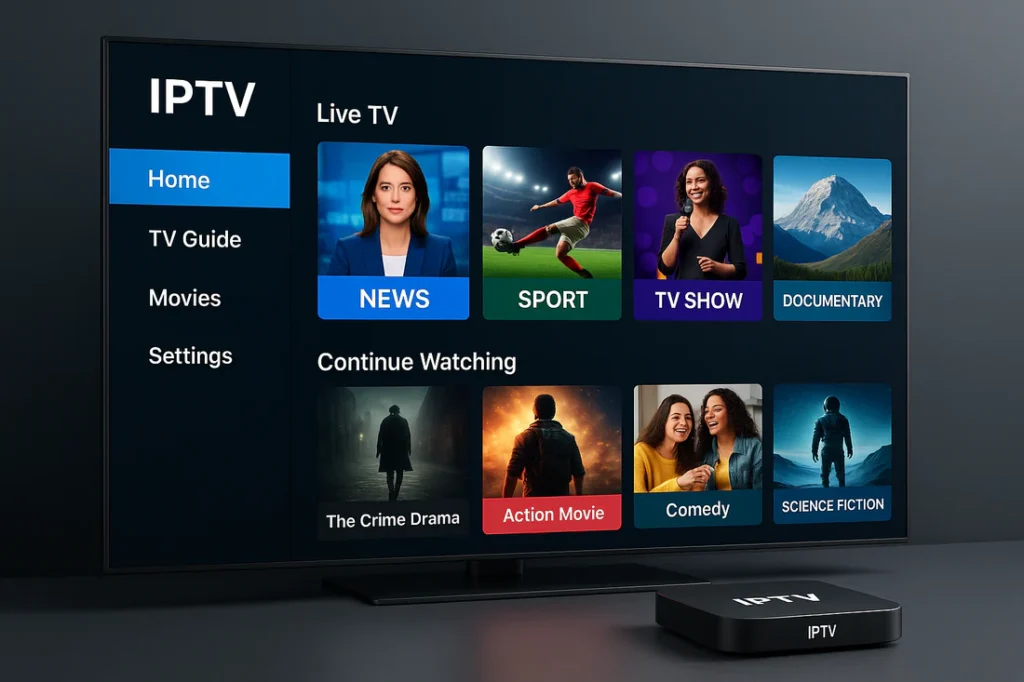
So, you’ve decided to cut the cord and switch to IPTV, but you aren’t quite sure where to start? You aren’t alone. While traditional cable is “plug and play,” learning how to use IPTV requires a few simple setup steps to unlock thousands of global channels, live sports, and VOD content.
At Xtream Now, we want to make your transition to modern TV as smooth as possible. Follow this ultimate guide to get up and running in minutes.
What Do You Need to Start?
Before we dive into the setup, make sure you have these three essentials:
- A Stable Internet Connection: For HD streaming, you need at least 15 Mbps. For 4K, aim for 25 Mbps or higher.
- A Compatible Device: This could be an Amazon Firestick, Android Box, Smart TV, or even your smartphone.
- An IPTV Subscription: You’ll need a provider like Xtream Now to give you your login credentials.
Step 1: Choose Your IPTV Player
An IPTV “Player” is the app that acts as your TV screen. Think of it like a DVD player—it doesn’t have content until you put a “disc” (your subscription) inside.
Popular players include:
- IPTV Smarters Pro: Great for all-around use (Firestick, iOS, Android).
- TiviMate: Highly recommended for Firestick and Android TV users who want a “cable box” feel.
- IBO Player: A fast, lightweight option for Smart TVs (Samsung/LG).
Step 2: Install the App on Your Device
If you are using a Firestick or Android Box, you may need to “sideload” certain apps.
- Go to your device settings and enable “Install Unknown Apps” (Found under My Fire TV > Developer Options).
- Download the Downloader app from the official Amazon/Google Play store.
- Enter the URL of your chosen player (e.g., IPTV Smarters) to download and install it.
Step 3: Entering Your Credentials
Once the app is open, you’ll usually see three ways to log in. Your provider will tell you which one to use:
- Xtream Codes API (Recommended): You’ll enter a Username, Password, and Server URL. This is the most stable method and automatically loads your Electronic Program Guide (EPG).
- M3U Playlist URL: A long link you paste into the app.
- MAC Address: Used primarily for MAG boxes or specialized Smart TV apps like Smart IPTV.
Step 4: Optimize for the Best Experience
Now that you know how to use IPTV, let’s make sure it stays fast and clear:
- Use an Ethernet Cable: If possible, plug your device directly into your router to avoid Wi-Fi interference.
- Get a VPN: A VPN protects your privacy and prevents your ISP from “throttling” (slowing down) your internet during live sports events.
- Clear Cache: If the app feels sluggish, go to your device settings and clear the app cache to keep things snappy.
Troubleshooting Common IPTV Issues
Even when you know how to use IPTV perfectly, technology can occasionally hiccup. The most common issue users face is “buffering.” If your stream freezes, the first step is to check your internet stability. Often, simply switching from a 2.4GHz Wi-Fi signal to a 5GHz signal—or better yet, using a hardwired Ethernet connection—resolves 90% of playback issues. Additionally, if you find that certain channels aren’t loading, try switching your “Stream Format” in the app settings from MPEGTS to HLS. This small technical tweak can lead to a much smoother viewing experience on older hardware or slower mobile data connections.
Is Using IPTV Safe?
A common question for beginners is whether their data is secure. When you learn how to use IPTV, you should also learn how to stay protected. High-quality providers like Xtream Now use secure server protocols to deliver content, but your Internet Service Provider (ISP) can still see that you are streaming high-bandwidth data. To maintain total digital bridge-privacy, many experts recommend using a VPN (Virtual Private Network). A VPN masks your traffic, preventing ISP throttling—which is when your provider intentionally slows down your speed because they detect high-volume streaming. By combining a premium subscription with a secure connection, you ensure a private, uninterrupted cinema experience at home.
Why Choose Xtream Now?
Setting up IPTV is easy, but the quality of your experience depends on your provider. Xtream Now offers:
- Instant Activation: Get your credentials immediately after purchase.
- Anti-Freeze Technology: No more buffering during the big game.
- 24/7 Setup Support: If you get stuck, our team is here to walk you through it.
Pro Tip: Always test your connection speed usingSpeedtest.netbefore you start your stream. If your speed is low, try restarting your router!
